Read 12 more books this year, without finding time to read.
Bookidoro lives in your Mac's menu bar. After each stretch of work, it opens the next few pages of your book. Read, click Done, get back to work. Bring your own PDF or EPUB, or pick from 78,000 free classics.
Bookidoro is a Mac app. Open bookidoro.app on your Mac to download it free.
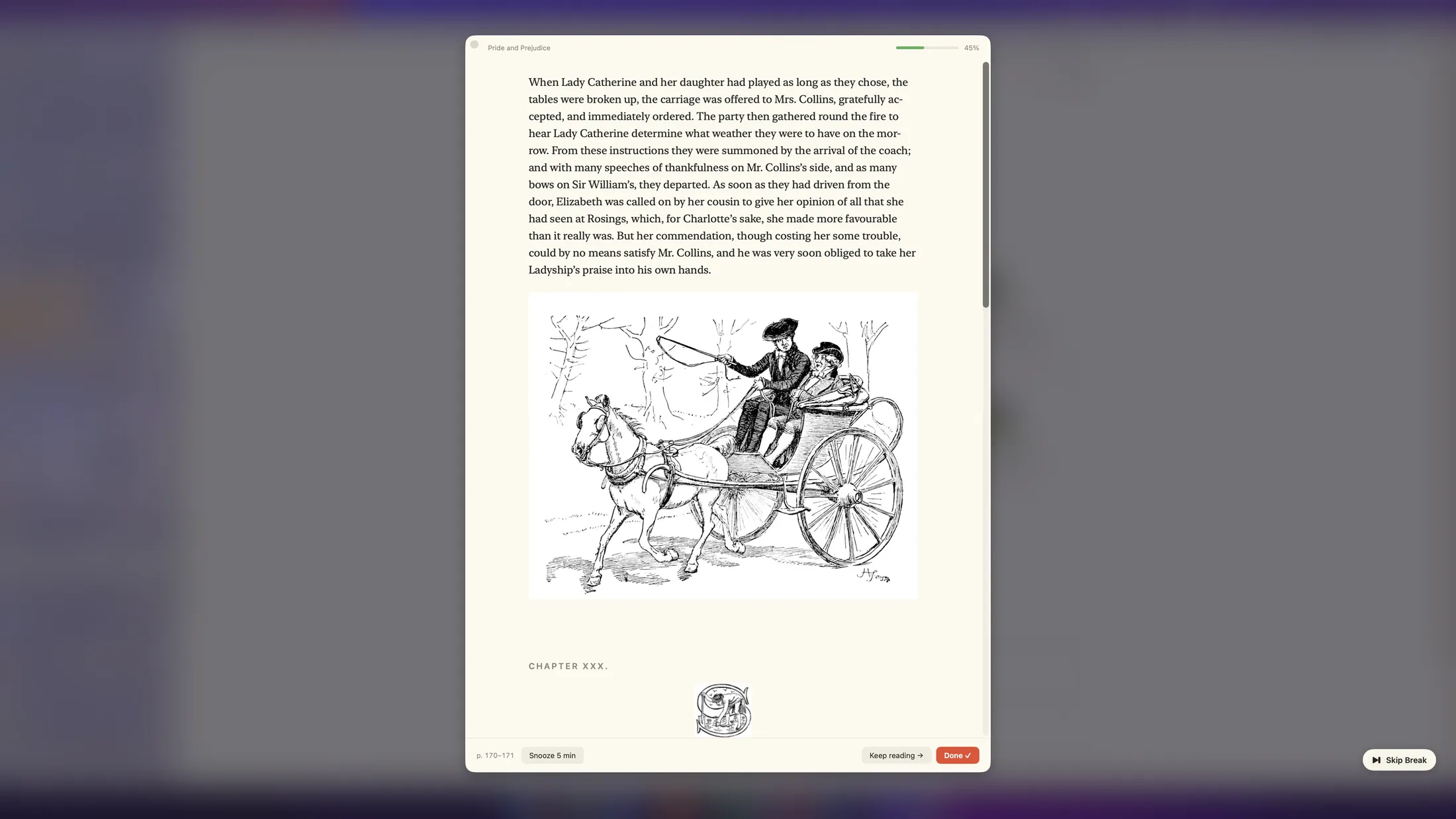
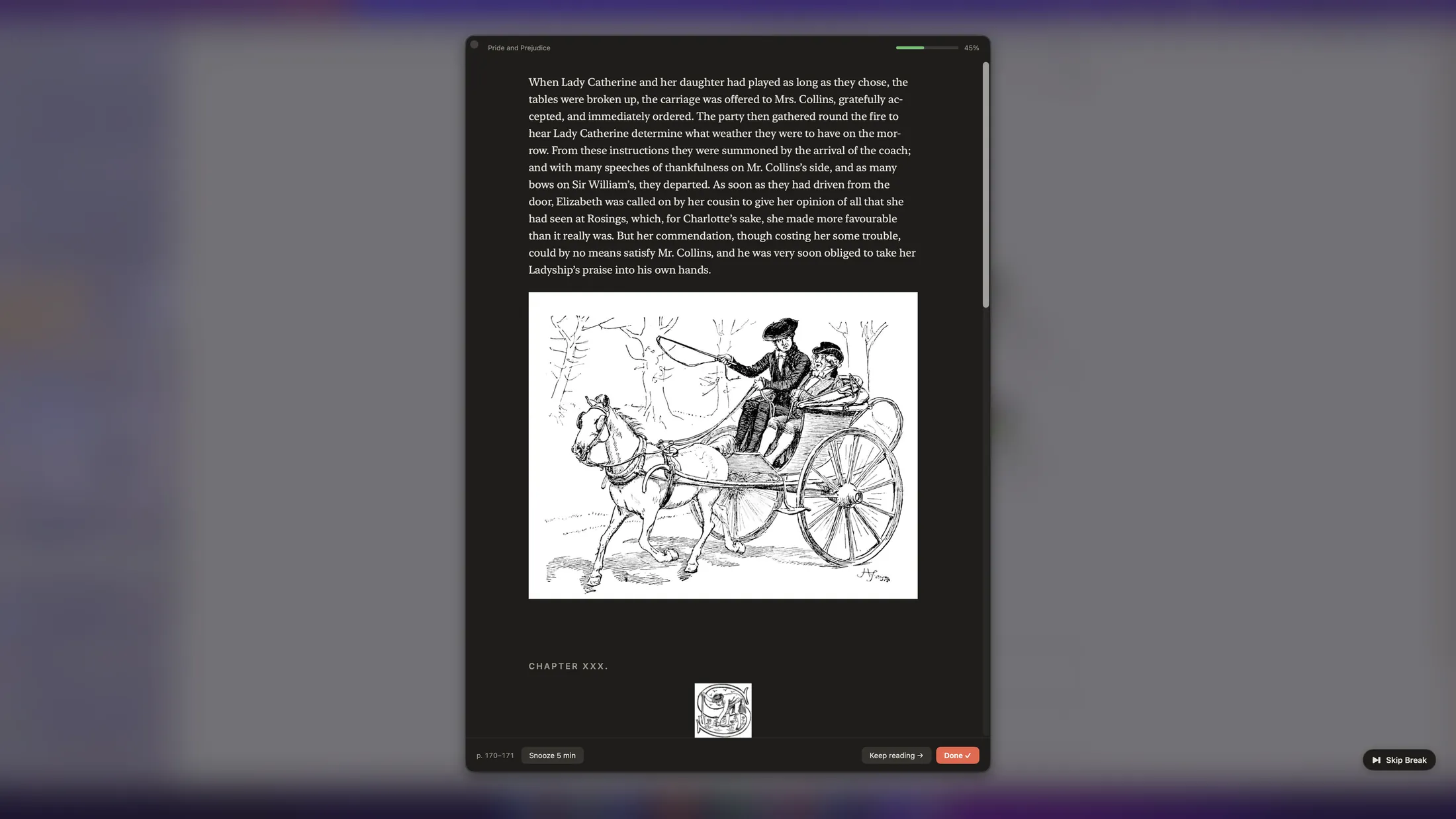
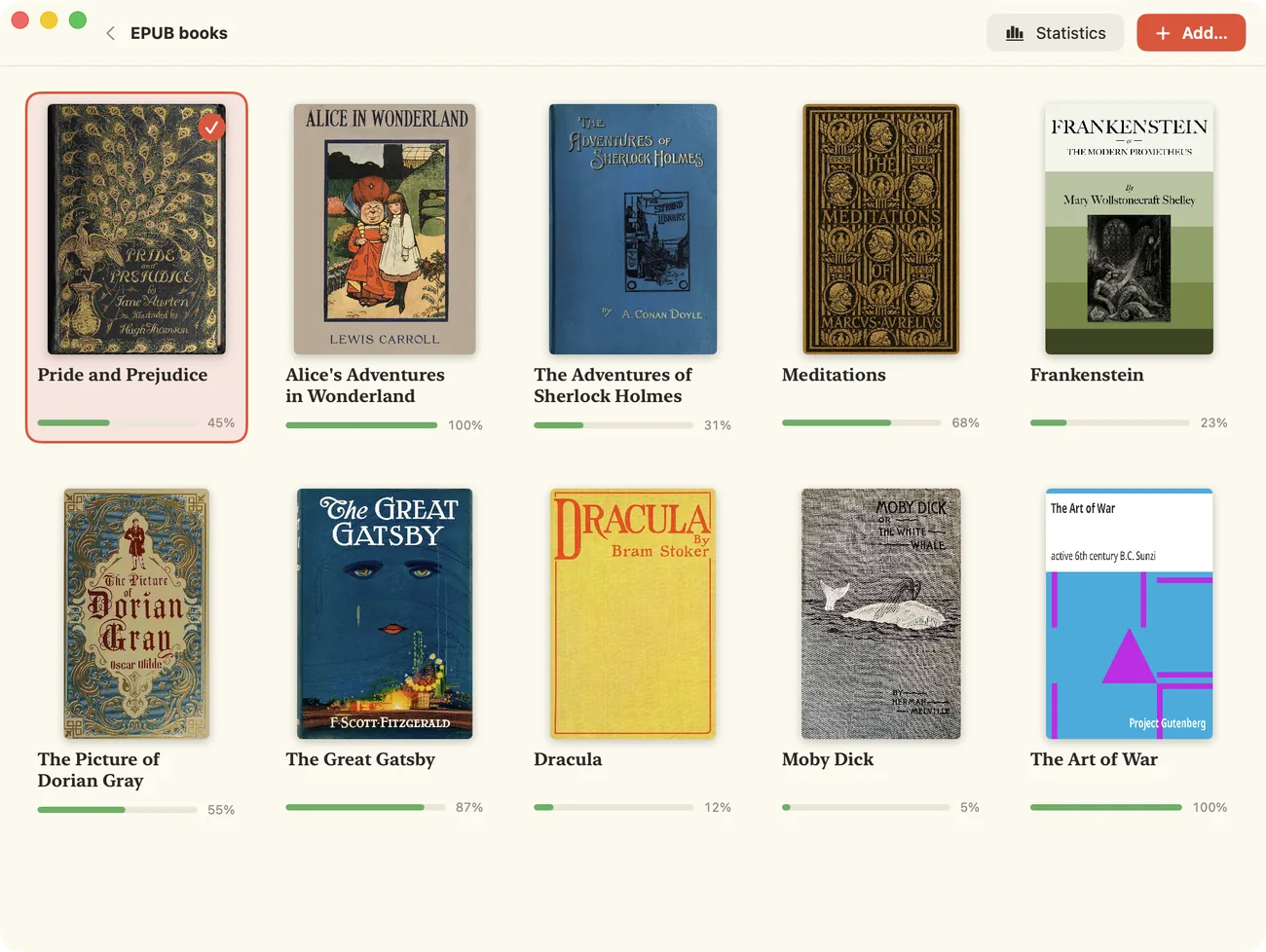
The pile of books you keep meaning to read.
The breaks that disappear into your phone.
Bookidoro puts them together. Work, read a few pages, work again.
Four steps, and the fourth is a click.
Add a book
Drop in a PDF or DRM-free EPUB you own, or get a free classic in one click. It joins your Library.
Work
Bookidoro waits in the menu bar and counts your work time, 10 to 60 minutes, your choice.
Read
When the break comes, a calm panel opens with just the next 1–5 pages. No scrolling ahead.
Done
Your place is saved. The next pages arrive after your next stretch of work.
Two pages at a time adds up faster than you think.
2 pages × 6 breaks = 12 pages a day, about a 250-page book every month.
It never shows up in the middle of your call.
Waits out your meetings
While your microphone or camera is in use (Zoom, Meet, Teams, FaceTime, Slack) or your screen is mirrored, the break waits and appears about a minute after. It reads only on/off flags. No audio or video is ever accessed.
Doesn't steal your keyboard
The panel opens without taking focus from what you're typing. Bad moment? Snooze it, or press Esc to skip it.
Waits until you're back
Away from your Mac? The break holds until you return, then gives you a minute to settle in. Time away never counts in your stats.
Hidden from screen sharing
Where macOS allows it, the reading panel stays out of what you share.
Small doses, exactly where you left off.
Breaks on your schedule
Pick your work time (10–60 min) and pages per break (1–5). Reading happens by itself.
Pomodoro long breaks
Every 4th break brings more pages (5 by default), just like the classic rhythm.
Keep reading →
In the flow? Get the next pages in the same break. Missed something? ← looks back.
End here
Read 2 of 5 pages? Stop on that page and the next break starts exactly there.
Snooze, skip, or tomorrow
Push a break back 5 minutes, skip it with Esc, or snooze until tomorrow morning. Read now from the menu any time.
Free classics built in
78,000 public-domain books from Project Gutenberg. Browse shelves, search, filter by language, and get one in a click.
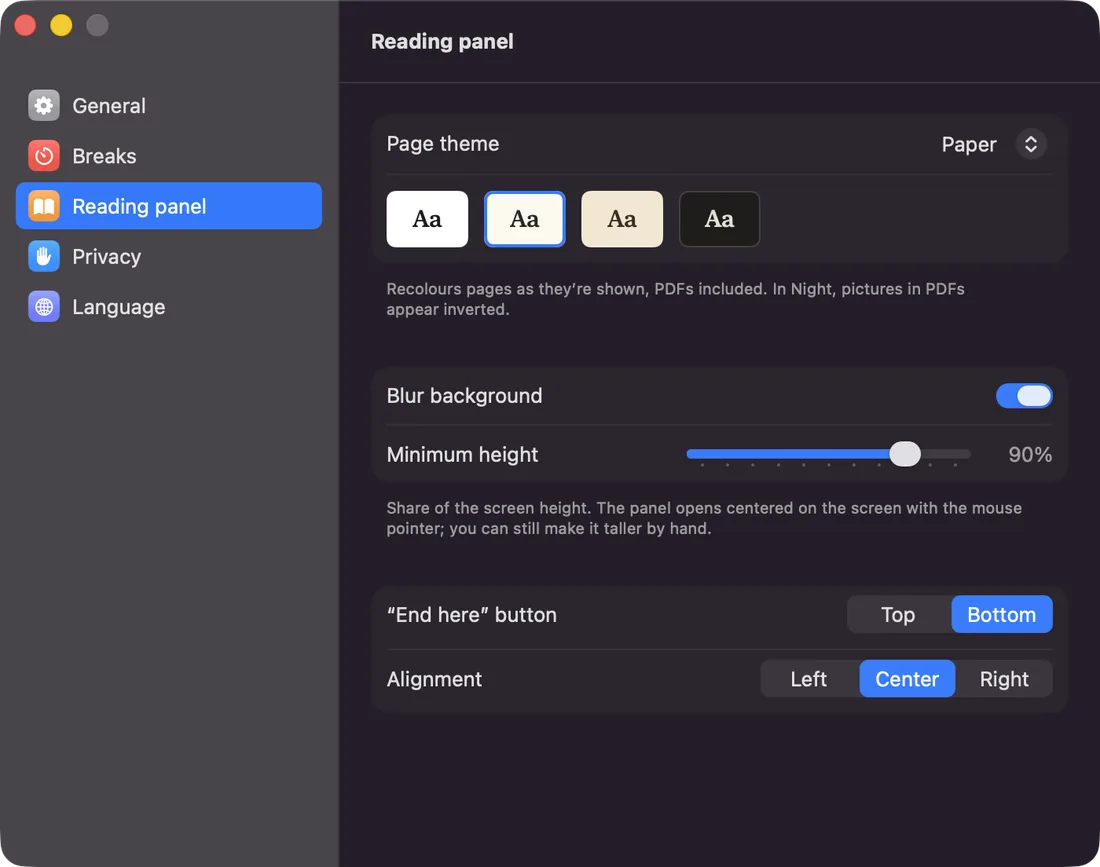
Paper to Night
EPUBs become clean pages, and PDFs get recolored too. The Aa button switches theme and text contrast as you read.
Never loses your place
Moved or renamed a file? Bookidoro finds it again and recognizes copies of the same book.
Feels like macOS
Menu bar only, no Dock icon. Settings laid out like System Settings. English, German and Georgian.
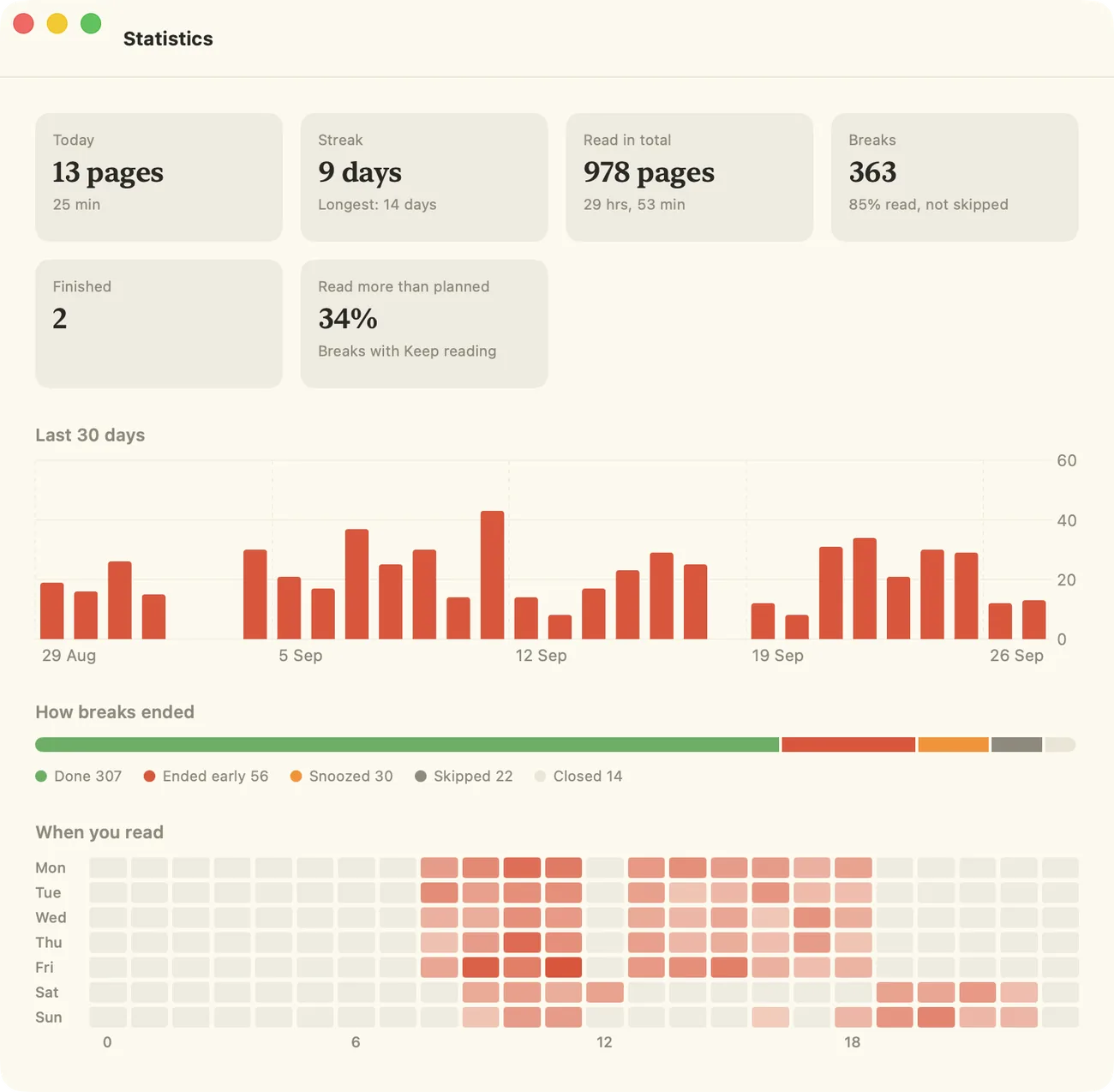
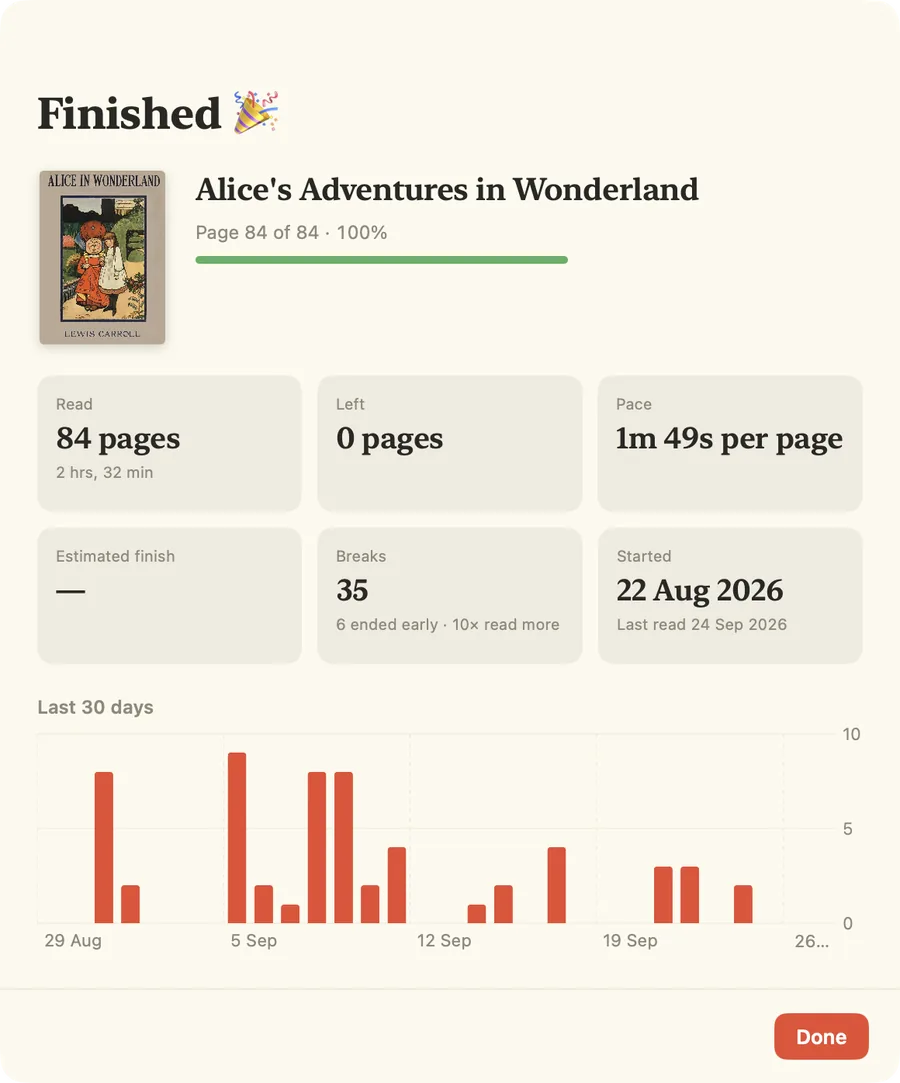
Watch the pile get smaller.
Streaks, pace and a finish date for every book. Time only counts while you're really reading: after 3 idle minutes, Bookidoro asks "Still reading?"
Your books stay on your Mac. So does everything you read.
- No accountNo sign-up, no email, no login. Open it and add a book.
- No servers of oursBookidoro never uploads your books to us or changes them. Free books come straight from Project Gutenberg, and your searches never leave your Mac.
- Your statistics, your iCloudYour reading history is a simple file on your Mac. With several Macs, it syncs through your own iCloud, never our servers.
- No listeningCall detection reads only "in use" flags. It never hears or records anything.
- Anonymous statistics onlyWhich features get used, never what you read. One switch in Settings turns it off. Privacy policy
- Signed by AppleSigned with a Developer ID and notarized, with signed in-app updates.
The missing piece between a timer and a reader.
Tell you to take a break
Then leave you to fill it, usually with your phone.
Wait for you to open them
Great for reading, once you've found the time. Most days you won't.
Brings the pages to you
At the right moment, in a finite dose, and never during your calls.
Free to use. Pay if it sticks.
Every feature works without paying, forever. Nothing is locked and nothing expires.
After your first few breaks, Bookidoro shows a small reminder at most once a day. If it has become part of your day, a license removes the reminders and keeps an independent app going. Less than one paperback a year.
- No more reminders in the menu or the reading panel
- One license for up to 3 Macs
- License key by email, right away
- 30-day money-back guarantee, no questions asked
- Cancel anytime from your Gumroad receipt
Not sure yet? Download free and decide later.
Questions, answered.
Which files can I read?
PDF and EPUB (DRM-free). And if you have nothing to read, 78,000 free public-domain books are built in: Library → Free books.
Where do the free books come from?
From Project Gutenberg, the oldest digital library of public-domain books. When you click Get, Bookidoro downloads the book straight from gutenberg.org; we don't host or change them. They're public domain in the United States; elsewhere, check your country's copyright laws.
Can I read my Kindle books?
No. Kindle books are copy-protected (DRM), and Amazon offers no way for other apps to open them. Many publishers sell DRM-free EPUBs, and 78,000 public-domain classics from Project Gutenberg are built right into Bookidoro.
What about Apple Books?
Books bought in the Apple Books store are copy-protected and can't be opened. PDFs and DRM-free EPUBs that you added to Apple Books yourself are ordinary files and work fine.
Will it interrupt my meetings?
No. While your microphone or camera is in use, or your screen is mirrored, breaks wait until about a minute after.
Will it steal my keyboard focus?
No. The panel appears without taking focus from the app you're typing in.
Can I read more, or less?
Yes. Keep reading gives you the next pages in the same break. End here stops on the page you're on, and the next break resumes exactly there.
Does it work offline?
Yes. Reading works entirely offline. Bookidoro only goes online to check for updates, to verify a license, to sync your Macs through iCloud, to browse and download free books, and to send anonymous usage statistics, which you can turn off in Settings → Privacy.
Does it sync between my Macs?
Yes, through your own iCloud. Your Library, reading positions, statistics and settings follow you: read a few pages on your laptop and your desktop continues from there. Book files stay where they are; add the same file on each Mac, or keep your books in iCloud Drive. Free books you get go to iCloud Drive and show up on your other Macs.
Which languages?
Bookidoro speaks English, German and Georgian. The free books come in more than 20 languages, with shelves in English, German, French, Spanish and Italian.
Which Macs does it run on?
macOS 13 Ventura or later, on Apple Silicon and Intel.
Is Bookidoro really free?
Yes. Reading breaks, the Library, themes, statistics and updates all work without paying, forever. After your first 3 breaks you'll see Buy License in the menu and a small reminder card, at most once a day, that you can dismiss. A license removes them.
What happens if I cancel?
Nothing stops working. When your paid year ends, the reminders simply come back. Your Library, statistics and books stay exactly as they are.
How do I enter my license?
Your receipt email has your license key. In the Bookidoro menu, choose Enter License… and paste it. One license works on up to 3 Macs.
Can I get a refund?
Yes. If you change your mind within 30 days, email us and you get a full refund, no questions asked.
Is there an iPhone, iPad or Windows version?
Not at the moment. Bookidoro is Mac only.